/ README.md
README.md
1 # Anime_quote_Terminal 2 Get an anime quote in your terminal. The quotes are taken from [Yurippe](https://yurippe.vercel.app/) 3 4 1. Download the `anime_quote.sh` file and place it in a path of your choice. 5 2. Make the file an executable using `chmod +x anime_quote.sh` 6 3. Test it by typing `./anime_quotes.sh` in the terminal. If a quote appears , it works. 7 4. Now go to your `~/.bashrc` file and add thee path o the `anime_quote.sh` file in the end of the file. 8 5. Exit the file and type `source ~/.bashrc` 9 6. The next time you open the terminal , it'll display a quote from some random anime with the name of the character who said it. 10 11 12 It'll look kinda like this 13  14 15 For the proper steps chk out this asciinema recording. 16 17 [](https://asciinema.org/a/1jq20OV72ul7nx3klvChbQvCl) 18 19 ## Stargazers over time 20 21 [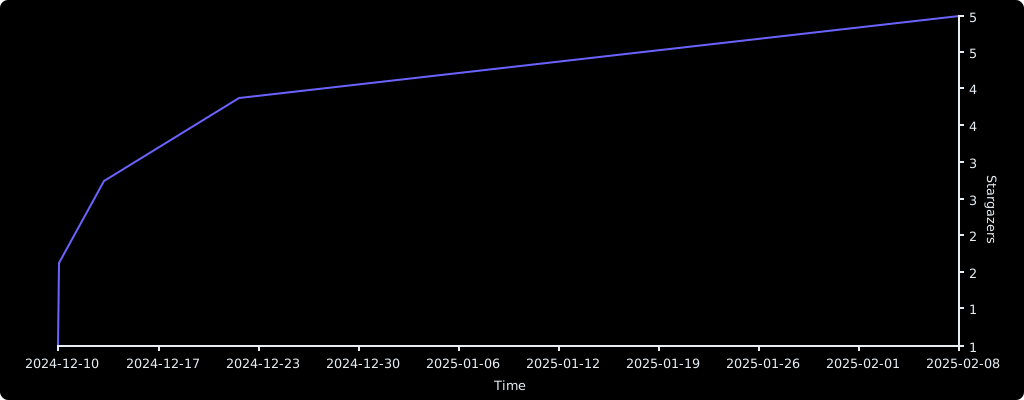](https://starchart.cc/Vaishnav-Sabari-Girish/Anime_quote_Terminal) 22