/ README.md
README.md
1 > [!IMPORTANT] 2 > This project has moved to https://codeberg.org/cryon/almost-mono-themes 3 4 Almost mono themes 5 ================== 6 [](https://melpa.org/#/almost-mono-themes) 7 8 A collection of almost monochrome emacs themes in a couple of variants. 9 10 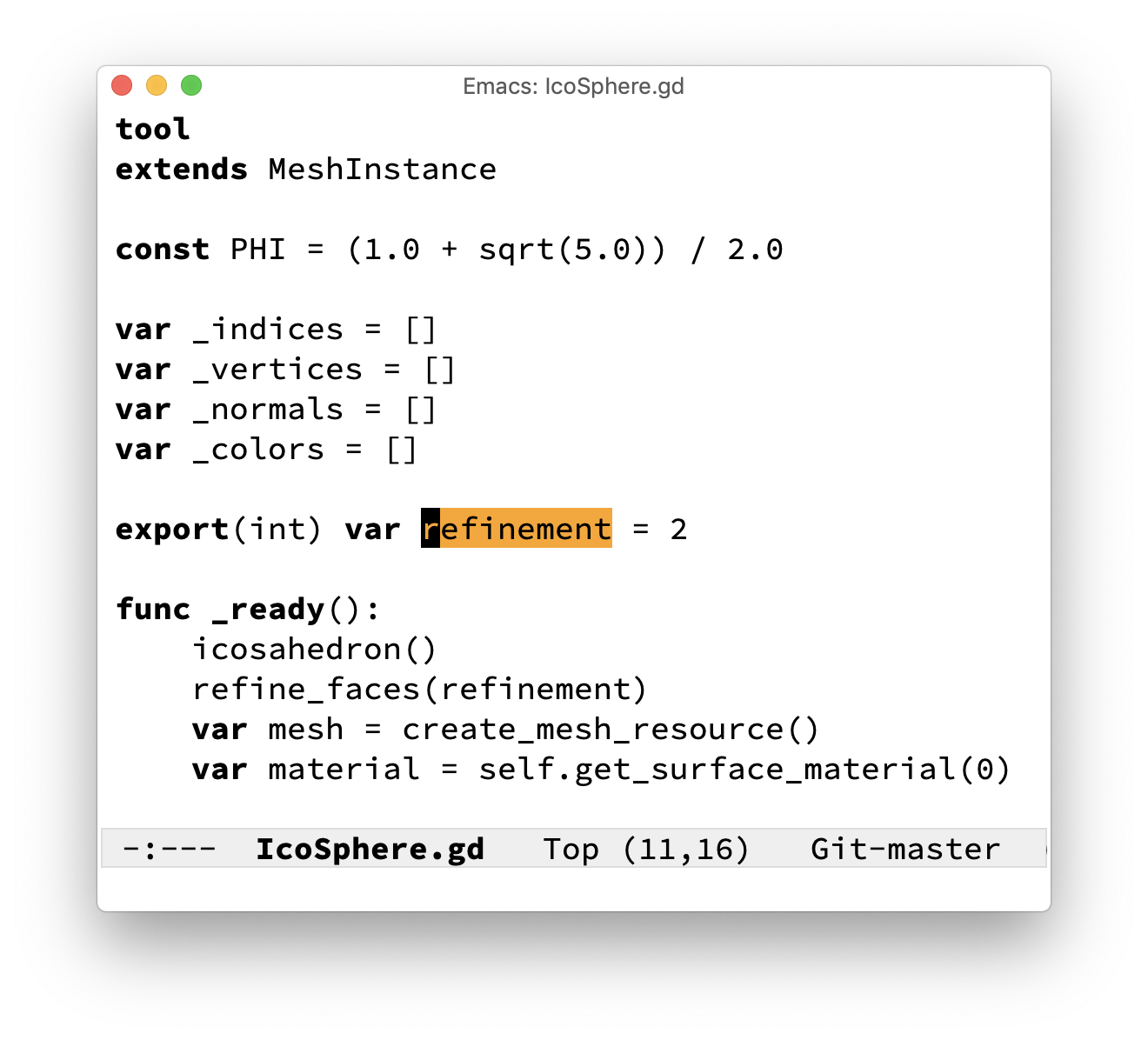 11 12 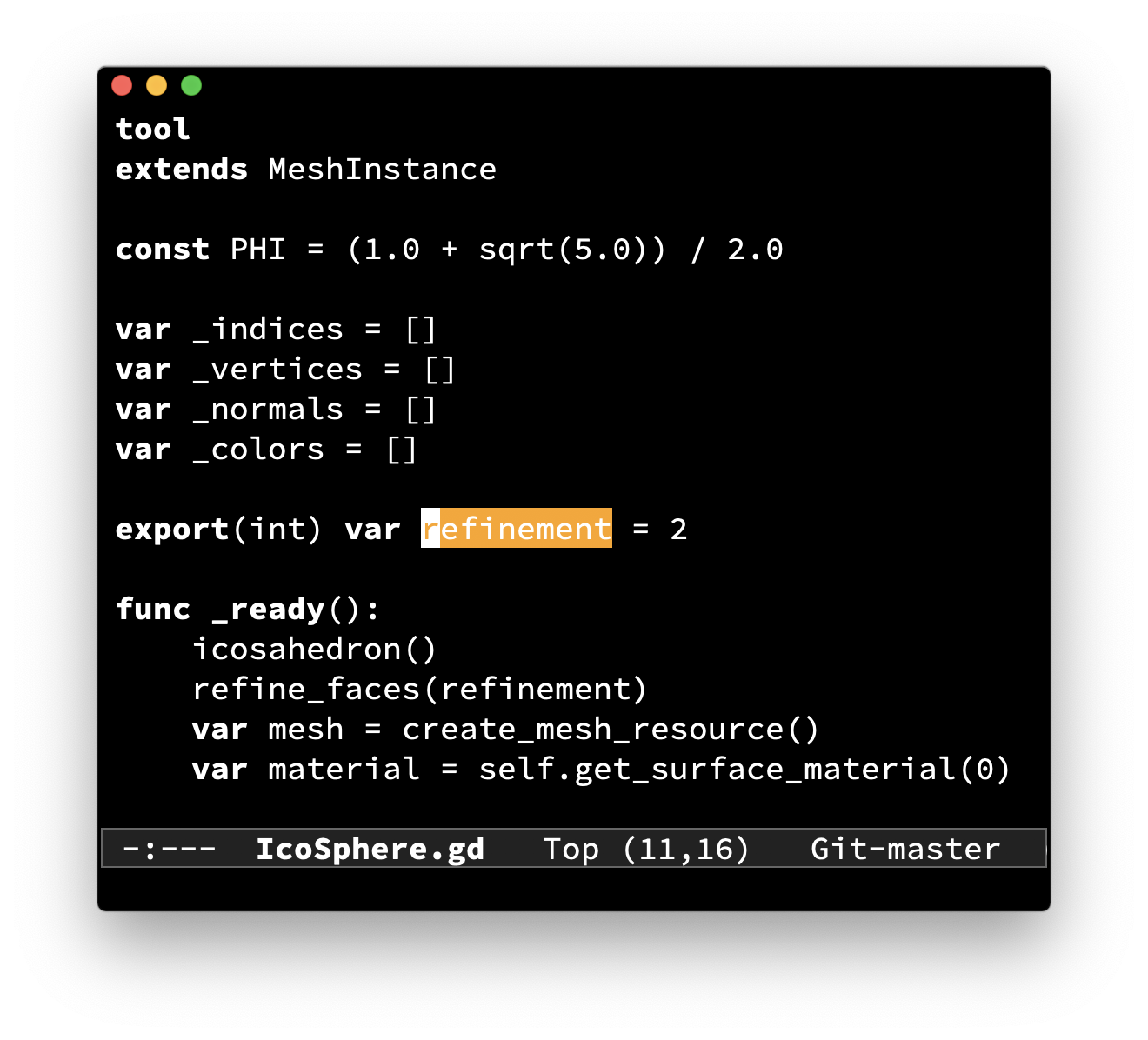 13 14 Installation 15 ============ 16 17 Use package 18 ----------- 19 If you have use-package setup on your system loading almost-mono-themes is as simple as: 20 21 ```lisp 22 (use-package almost-mono-themes 23 :config 24 ;; (load-theme 'almost-mono-black t) 25 ;; (load-theme 'almost-mono-gray t) 26 ;; (load-theme 'almost-mono-cream t) 27 (load-theme 'almost-mono-white t)) 28 ``` 29 30 Manual installation 31 ------------------- 32 If you prefer, you can install almost-mono-themes manually by downloading the elisp files in this repo and place them somewhere in your <code>load-path</code> and <code>custom-theme-load-path</code> (see example below). 33 34 You can set your paths by adding these lines to your <code>.emacs.d</code> or <code>.emacs.d/init.el</code>: 35 36 ```lisp 37 ;; Put the main theme file almost-mono-themes.el in your load path 38 (add-to-list 'load-path "~/.emacs.d/elisp") 39 40 ;; Put the induvidual theme files almost-mono-{black, white, etc.}-theme.el in your theme load path 41 (add-to-list 'custom-theme-load-path "~/.emacs.d/themes") 42 ``` 43 44 You should now be able to load almost-mono-themes with <code>M-x load-theme RET almost-mono-{black, white, etc.} RET</code>!